const { useState, useEffect, useRef } = React;

/* ---------- ABOUT HERO ---------- */
function AboutHero() {
  return (
    <section className="about-hero">
      <div className="about-hero-bg"></div>
      <div className="container">
        <div className="crumb reveal" style={{
          fontFamily: "JetBrains Mono, monospace",
          fontSize: 12, letterSpacing: "0.14em", textTransform: "uppercase",
          color: "var(--muted)", marginBottom: 32
        }}>
          <a href="index.html">Home</a> / About me
        </div>
        <div className="about-hero-grid" style={{ display: "grid", gridTemplateColumns: "1fr 1fr", gap: "48px", alignItems: "center" }}>
          <div style={{ fontSize: "clamp(48px, 8vw, 88px)", fontWeight: 700, letterSpacing: "-0.035em", lineHeight: 1.1 }}>
            <div style={{ color: "#000", cursor: "pointer" }} onMouseEnter={(e) => e.currentTarget.style.color = "#c6ff33"} onMouseLeave={(e) => {e.currentTarget.style.color = "#000";}}>A little</div>
            <div style={{ color: "#000", cursor: "pointer" }} onMouseEnter={(e) => e.currentTarget.style.color = "#c6ff33"} onMouseLeave={(e) => {e.currentTarget.style.color = "#000";}}>about me.</div>
          </div>
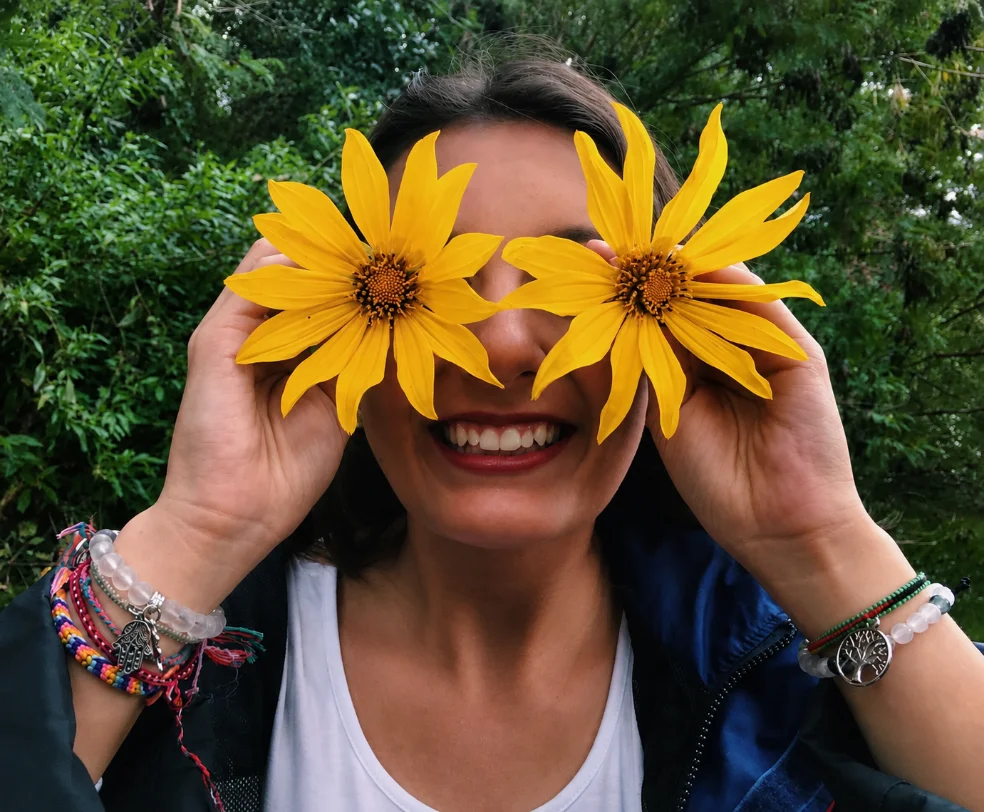
          <div className="about-hero-portrait reveal d2" style={{ display: "flex", justifyContent: "flex-end" }}>
            <img
              src="slot-about-portrait.webp"
              alt="Martina Vasconez"
              style={{ width: "450px", height: "350px", borderRadius: "22px", objectFit: "cover", display: "block" }} />
          </div>
        </div>
      </div>
    </section>);

}

/* ---------- ABOUT INTRO ---------- */
function AboutIntro() {
  const [hoveredWord, setHoveredWord] = useState(null);
  const text = "I'm a strategist, creator, and entrepreneur working across marketing, storytelling, and design. I've worked with founders, startups, and global teams to build growth strategies with a creative perspective. Outside of marketing, I design jewelry and love to travel.";
  const words = text.split(/(\s+)/);

  return (
    <section className="about-intro" style={{ minHeight: "auto", display: "block", padding: "60px 40px" }}>
      <div className="container" style={{ maxWidth: "100%" }}>
        <p className="reveal" style={{ fontSize: "clamp(16px, 1.4vw, 20px)", fontWeight: 400, lineHeight: 1.7, margin: 0, maxWidth: "100%" }}>
          {words.map((word, i) =>
          <span
            key={i}
            onMouseEnter={() => setHoveredWord(i)}
            onMouseLeave={() => setHoveredWord(null)}
            style={{
              color: hoveredWord === i ? "#c6ff33" : "inherit",
              cursor: word.trim() ? "pointer" : "default",
              transition: "color 0.1s ease"
            }}>
            
              {word}
            </span>
          )}
        </p>
      </div>
    </section>);

}

/* ---------- INTERACTIVE TIMELINE ---------- */
function Timeline() {
  const wrapRef = useRef(null);
  const lineRef = useRef(null);

  useEffect(() => {
    // Reveal individual items as they enter viewport
    const io = new IntersectionObserver(
      (entries) => entries.forEach((e) => {
        if (e.isIntersecting) e.target.classList.add("in");
      }),
      { threshold: 0.25, rootMargin: "0px 0px -80px 0px" }
    );
    const items = wrapRef.current ? wrapRef.current.querySelectorAll(".timeline-item") : [];
    items.forEach((el) => io.observe(el));

    // Animate the timeline line based on scroll progress
    const onScroll = () => {
      if (!wrapRef.current || !lineRef.current) return;
      const rect = wrapRef.current.getBoundingClientRect();
      const vh = window.innerHeight;
      const total = rect.height;
      const start = rect.top - vh * 0.4;
      const end = rect.bottom - vh * 0.6;
      let progress = 0;
      if (start < 0 && end > 0) {
        progress = Math.min(1, Math.max(0, -start / (total - vh * 0.2)));
      } else if (end < 0) {
        progress = 1;
      }
      lineRef.current.style.setProperty("--progress", `${progress * 100}%`);
    };
    window.addEventListener("scroll", onScroll, { passive: true });
    onScroll();

    return () => {
      io.disconnect();
      window.removeEventListener("scroll", onScroll);
    };
  }, []);

  return (
    <section className="timeline-wrap">
      <div className="container">
        <div style={{ textAlign: "center", marginBottom: 24 }} className="reveal">
          <span className="glow-tag"><span className="blip"></span>Scroll to read</span>
        </div>
        <h2 className="reveal d1" style={{
          fontSize: "clamp(40px, 6vw, 88px)", fontWeight: 700, letterSpacing: "-0.035em",
          lineHeight: 0.95, textAlign: "center", marginBottom: 14
        }}>
          A travel back in <span className="gradient-text">time.</span>
        </h2>
        <p className="reveal d2" style={{
          textAlign: "center", color: "var(--muted)", maxWidth: "48ch",
          margin: "0 auto 40px", fontSize: 16, lineHeight: 1.55
        }}>A scroll through the cities, jobs, projects, and personal chapters that made me who I am today.

        </p>
      </div>

      <div className="timeline" ref={wrapRef}>
        <div className="timeline-line" ref={lineRef}></div>
        {window.TIMELINE.map((t, i) => {
          const dupYear = i > 0 && window.TIMELINE[i - 1].year === t.year;
          return (
            <div className="timeline-item" key={t.imgId}>
            {i % 2 === 0 ?
              <>
                <div className="timeline-year">{dupYear ? "" : t.year}</div>
                <div className="timeline-dot"></div>
                <div className="timeline-content">
                  <h3>{t.title}</h3>
                  <div className="place">{t.place}</div>
                  <p>{t.body}</p>
                  <div className={`timeline-img ${t.img}`}>
                    <img
                      src={`slot-${t.imgId}.webp`}
                      alt=""
                      style={{ width: "100%", height: "100%", borderRadius: "16px", objectFit: "cover", objectPosition: t.pos || "center center", display: "block" }} />
                  </div>
                </div>
              </> :

              <>
                <div className="timeline-content">
                  <h3>{t.title}</h3>
                  <div className="place">{t.place}</div>
                  <p>{t.body}</p>
                  <div className={`timeline-img ${t.img}`}>
                    <img
                      src={`slot-${t.imgId}.webp`}
                      alt=""
                      style={{ width: "100%", height: "100%", borderRadius: "16px", objectFit: "cover", objectPosition: t.pos || "center center", display: "block" }} />
                  </div>
                </div>
                <div className="timeline-dot"></div>
                <div className="timeline-year">{dupYear ? "" : t.year}</div>
              </>
              }
          </div>);
        })}
      </div>
    </section>);

}

/* ---------- ABOUT FACTS / SIDE INFO ---------- */
function AboutFacts() {
  return (
    <section className="section">
      <div className="container">
        <div className="section-head reveal">
          <h2 className="section-title split-words">A few <span className="acc">fast facts</span></h2>
          <div className="section-aside">
            The shortcuts. For the parts of me that don't need a timeline.
          </div>
        </div>
        <div className="exp-grid reveal d1" style={{ gridTemplateColumns: "repeat(4, 1fr)" }}>
          {[
          { label: "Based in", value: "Miami, FL", sub: "Open to relocation" },
          { label: "Based", value: "South America", sub: "❤️ Latina" },
          { label: "Education", value: "University of Buckingham", sub: "Bachelors in Business" },
          { label: "Favorite tools", value: "Clay · Claude", sub: "Love building! " }].
          map((f, i) =>
          <div key={i} style={{
            background: i === 1 ? "var(--violet)" : i === 2 ? "var(--lime)" : "var(--paper)",
            color: i === 1 ? "var(--white)" : "var(--black)",
            borderRadius: 18, padding: "28px 24px",
            minHeight: 200,
            display: "flex", flexDirection: "column", justifyContent: "space-between"
          }}>
              <div style={{
              fontFamily: "JetBrains Mono, monospace",
              fontSize: 11, letterSpacing: "0.14em", textTransform: "uppercase",
              opacity: 0.7
            }}>{f.label}</div>
              <div>
                <div style={{ fontSize: 24, fontWeight: 700, letterSpacing: "-0.02em", lineHeight: 1.1, marginBottom: 6 }}>{f.value}</div>
                <div style={{ fontSize: 13, opacity: 0.75 }}>{f.sub}</div>
              </div>
            </div>
          )}
        </div>
      </div>
    </section>);

}

/* ---------- CTA ---------- */
function AboutCTA() {
  return (
    <section className="section" style={{ paddingTop: 20, paddingBottom: 100 }}>
      <div className="container" style={{ textAlign: "center" }}>
        <div className="reveal" style={{ maxWidth: 640, margin: "0 auto" }}>
          <h2 style={{ fontSize: "clamp(36px, 5vw, 64px)", fontWeight: 700, letterSpacing: "-0.03em", lineHeight: 1, marginBottom: 18 }}>
            Want the <span className="gradient-text">real conversation?</span>
          </h2>
          <p style={{ fontSize: 17, color: "var(--muted)", maxWidth: "44ch", margin: "0 auto 28px", lineHeight: 1.55 }}>Let's chat!

          </p>
          <div style={{ display: "flex", gap: 12, justifyContent: "center", flexWrap: "wrap" }}>
            <a href="index.html#contact" className="btn btn-primary">Get in touch <ArrowR /></a>
            <a href="work.html" className="btn btn-secondary">See my work <ArrowR /></a>
          </div>
        </div>
      </div>
    </section>);

}

/* ---------- APP ---------- */
function App() {
  useReveal();
  useScrollWordReveal();
  return (
    <>
      <Nav active="about" />
      <AboutHero />
      <AboutIntro />
      <Timeline />
      <AboutCTA />
      <Footer />
    </>);

}

ReactDOM.createRoot(document.getElementById("root")).render(<App />);